

My first semester project was a calculator. It added, subtracted, and — I am not proud of this — crashed if you typed a letter. My teacher smiled politely, gave me a passing mark, and forgot it by lunch. The next semester I built something different: a small app that tracked our class test marks and told the teacher who needed help. She used it in a real staff meeting. That is the difference between a project that fills a form and a project that impresses a teacher. Here are 15 computer science project ideas that actually do the second one — plus a plan to build one tonight.
📅 Want a study plan for this topic?
Get a free 7-day learning plan in your calendar — one small lesson every day.
What Makes a Project Impress a Teacher?
Teachers have seen a thousand calculators and a thousand to-do lists. What catches their eye is not fancy graphics — it is a project that solves a real problem for a real person. A marks tracker beats a calculator because somebody actually needed it. A good project shows three things: you understood a problem, you built a working solution, and you can explain your choices. The code does not need to be perfect; the thinking behind it needs to be visible.
The Main Idea
Most students get stuck right here: they pick the biggest idea they can find, then drown in it. But here is the honest truth — teachers are far more impressed by a small project that works perfectly than a huge one that half-works. In my opinion, the winning formula is simple: one real user, one clear problem, one working demo. If your project helps your teacher, your class, or your family, you already stand out.
In Simple Words
Here is the whole approach, in four steps:
- Pick a real problem — something you or someone around you actually struggles with.
- Keep it small — one main feature, done well, beats five half-finished ones.
- Build it in pieces — get one small part working, then add the next.
- Show it working — a live demo with real data beats a hundred slides.
Let's Plan One Together: A Marks Manager in 5 Steps
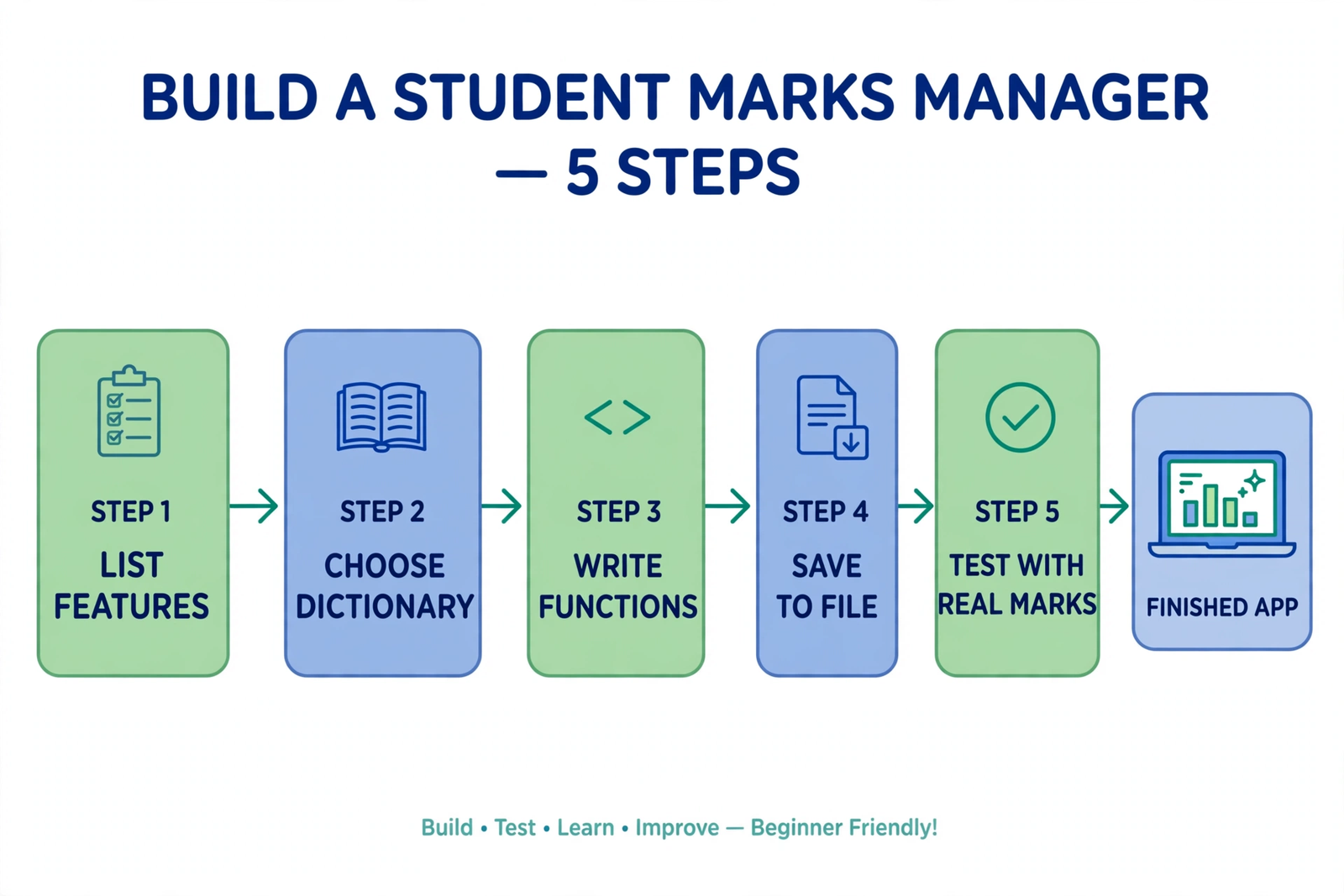
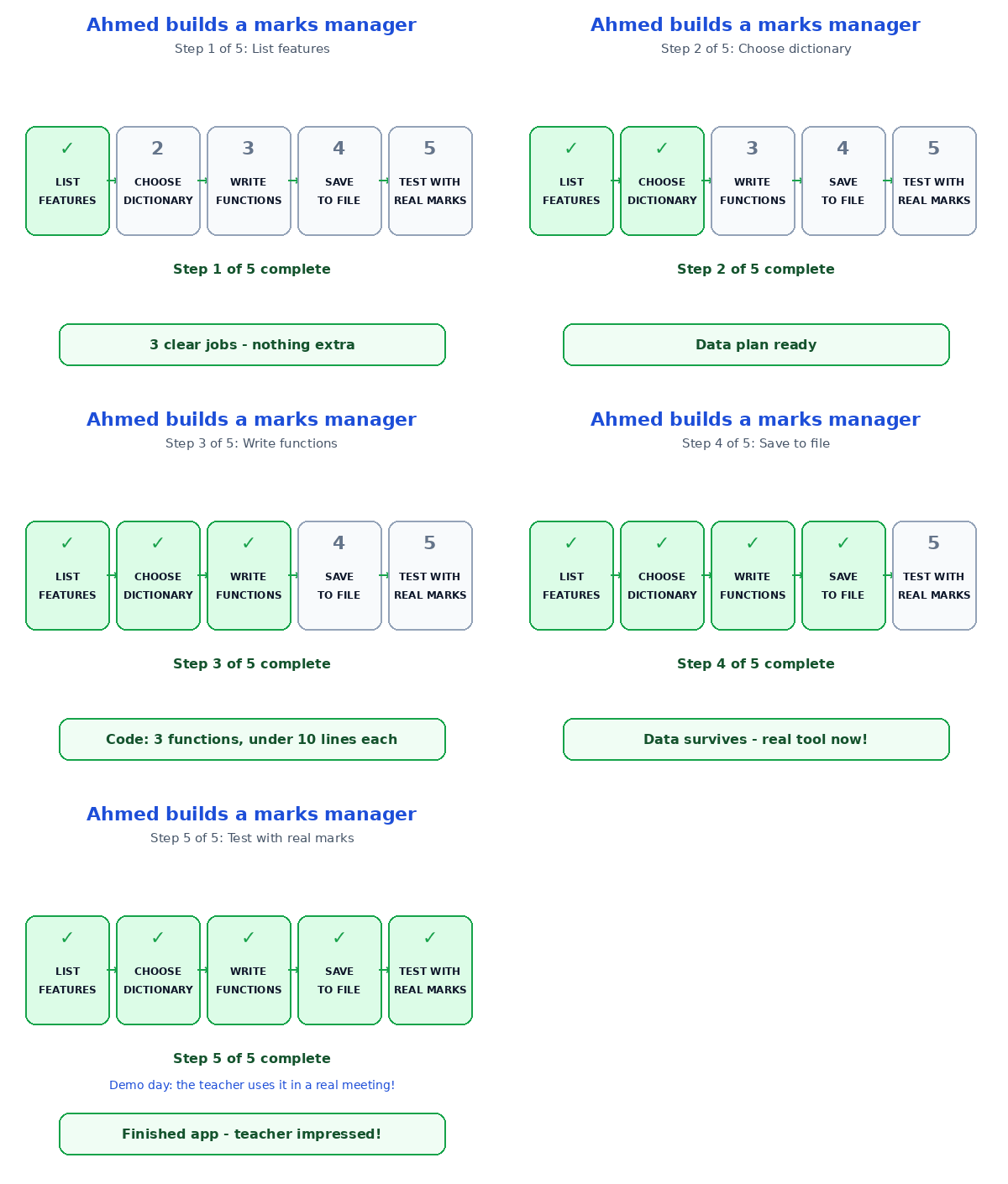
Take idea 6 from the list below — a student marks manager. It sounds big, but watch how small it gets when you break it down. Meet Ahmed, a class monitor in Layyah. His teacher asks him every week: "Who scored below 50, and who is the topper?" Here is his plan:
| Step | What Ahmed does | Result |
|---|---|---|
| 1 | Lists the features: add marks, find topper, list weak students | Three clear jobs, nothing extra |
| 2 | Chooses a dictionary: name as key, marks as value | Lookup by name is instant |
| 3 | Writes three small functions, one per job | Each function is under 10 lines |
| 4 | Saves the data to a file after every change | Marks survive when the program closes |
| 5 | Tests it with five real classmates' marks | Topper and weak list print correctly |
Notice step 2 carefully. Ahmed did not start by writing code — he started by choosing how to store the data, and that one decision made every later step easy. A Python dictionary fits this job perfectly, and wrapping each job in its own function keeps the code tidy — Python functions are the skill that turns a messy script into a real project. Step 4 is the quiet hero: saving marks to a file is what turns a classroom demo into a tool a teacher can actually use every week.
15 Project Ideas, From Easy to Ambitious
Pick one from your level — not from the level you wish you were at. Finish it, then climb one row.
| # | Project idea | Level | Why teachers like it |
|---|---|---|---|
| 1 | Personal expense tracker | Beginner | Solves a real daily problem |
| 2 | Quiz app with a scoreboard | Beginner | Great for class revision |
| 3 | To-do list that saves to a file | Beginner | Data survives a restart |
| 4 | Password generator | Beginner | Shows you understand security |
| 5 | Calculator with a history log | Beginner | The history makes it real |
| 6 | Student marks manager | Intermediate | A teacher can use it tomorrow |
| 7 | Library book tracker | Intermediate | Real records, real searching |
| 8 | Weather app using a free API | Intermediate | Shows you can use the internet |
| 9 | FAQ chatbot for your college | Intermediate | Answers real student questions |
| 10 | Tic-tac-toe with a smart computer player | Intermediate | Simple game, real logic |
| 11 | Attendance system with face detection | Advanced | Solves a problem every college has |
| 12 | Mini online store with a cart | Advanced | Full system: products, cart, checkout |
| 13 | Real-time chat app | Advanced | Live data, real users |
| 14 | AI image classifier | Advanced | Machine learning, hands-on |
| 15 | Portfolio website with a blog | Advanced | Your work, visible to everyone |
I recommend starting at number 6 if you already know Python basics — the marks manager is the sweet spot: big enough to impress, small enough to finish in a week. If you are brand new, start at number 3; a to-do list that saves to a file teaches you the two skills every bigger project needs. And if you want your project to look good as well as work well, CSS Grid will make its layout fit any screen.
The Mistake Almost Everyone Makes
The classic mistake is downloading a big project from YouTube, changing the title, and presenting it as your own. Teachers have seen those videos too — and one question ("Why did you use a dictionary here?") is enough to expose it. The fix is simple: build it yourself, even if it is smaller, and understand every line. A small project you can explain beats a big one you cannot, every single time.
Test Your Understanding
Quiz: Ahmed wants his marks manager to impress his teacher. What should he do first?
- Download the biggest marks app he can find and rename it
- List the features, choose how to store the data, then build it in small pieces
- Design a fancy logo and pick colours
- Write all the code in one long file without testing
Answer: B. Plan first: list features, pick the right data structure, build in small tested pieces — that is how a small project becomes an impressive one.
Conclusion
Teachers are not impressed by size — they are impressed by a real problem, a working solution, and a student who can explain every choice. Pick one idea from the list, build it the way Ahmed did — plan, store, code, save, test — and demo it with real data. Do one thing tonight: choose your idea and write its three features on paper. That single page is the moment your project stops being an assignment and starts being something you are proud to show.
📅 Want a study plan for this topic?
Get a free 7-day learning plan in your calendar — one small lesson every day.
Leave a Reply